

How to get a 3d view of one, and only one level.
How to get a 3D view of one, and only, one level.
Have you ever tried to get a 3D view of one, and only one, plan level of your project? If you want to do it quickly, in a few clicks... keep reading.
First of all, go to your view 3D.
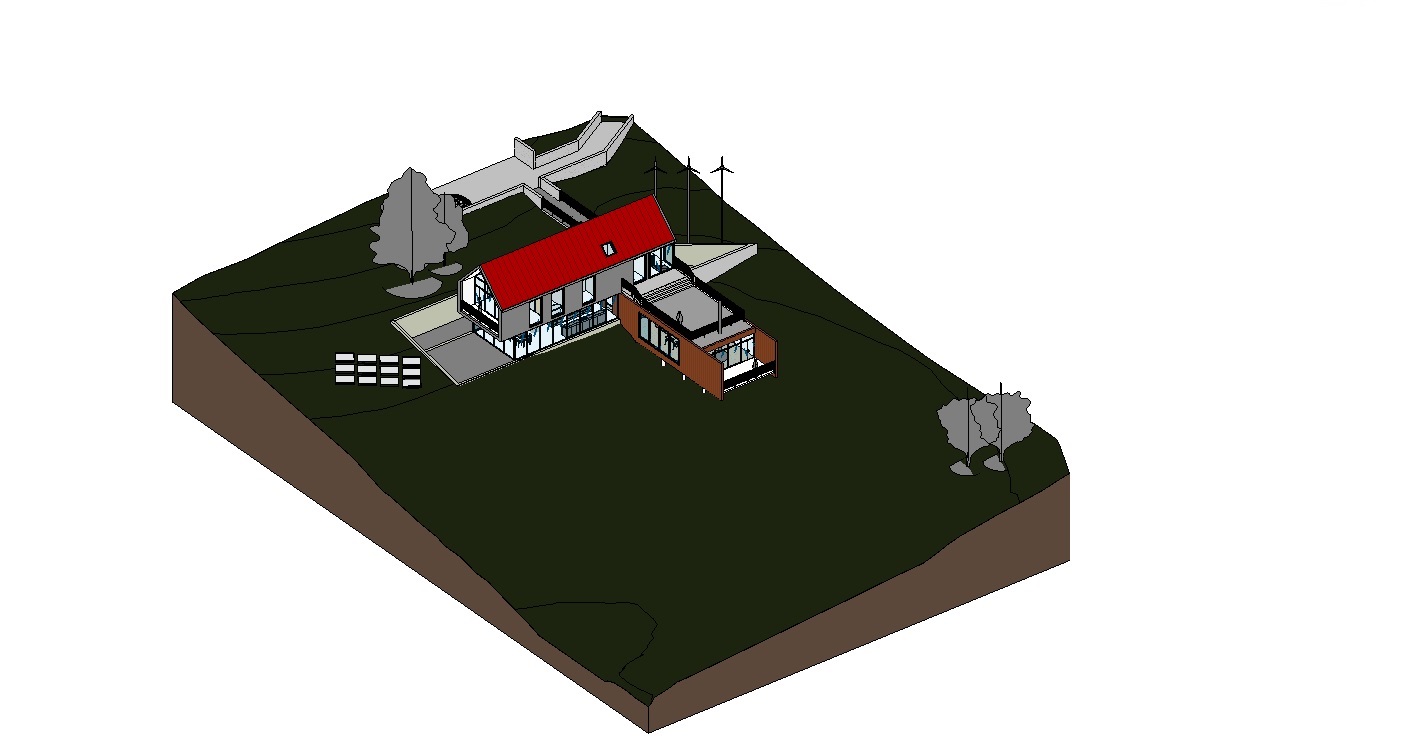
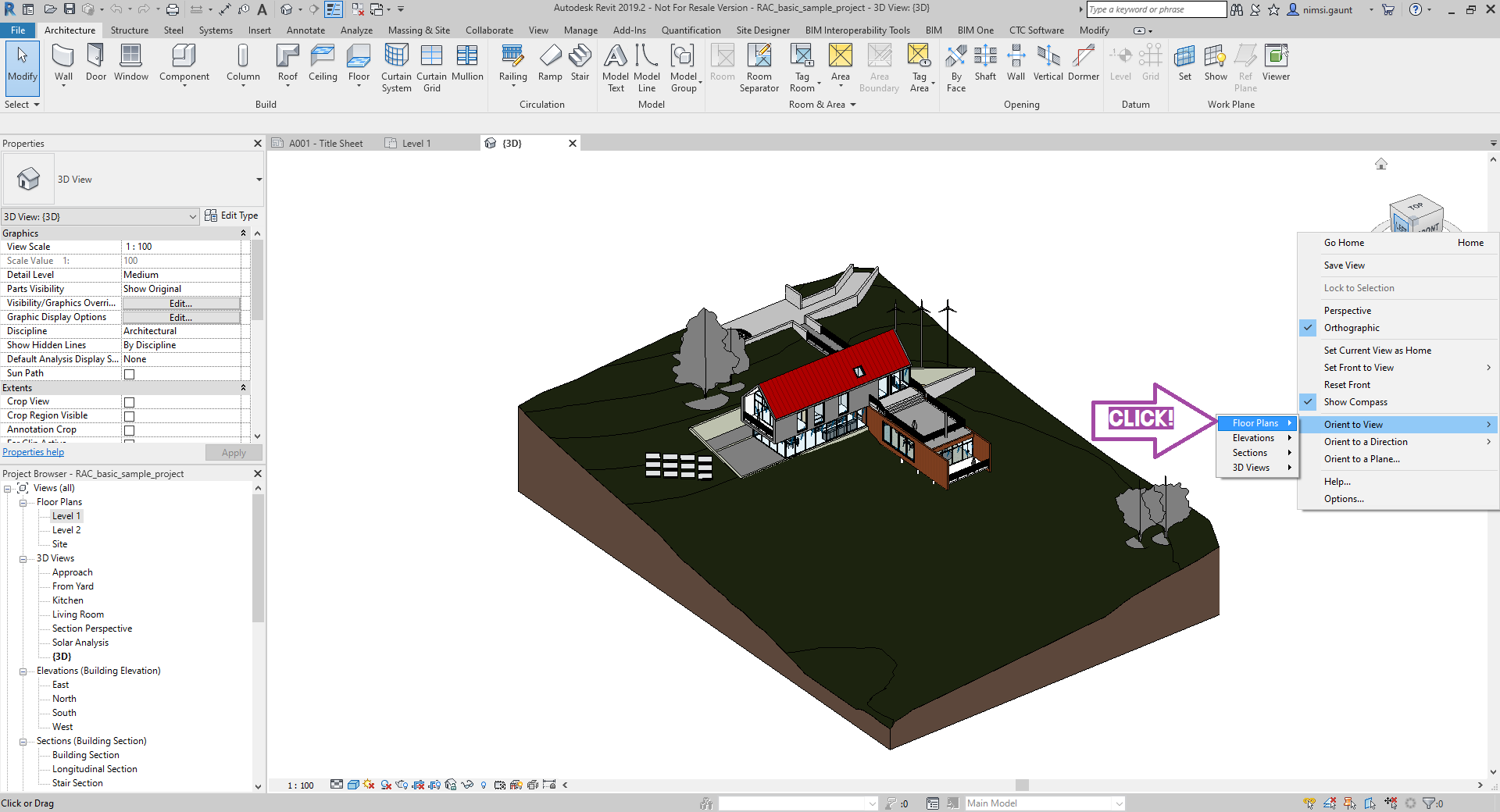
Then, do a click right, on the Viewcube.

Click on “Orient to view”; then click on “Floor plans”.
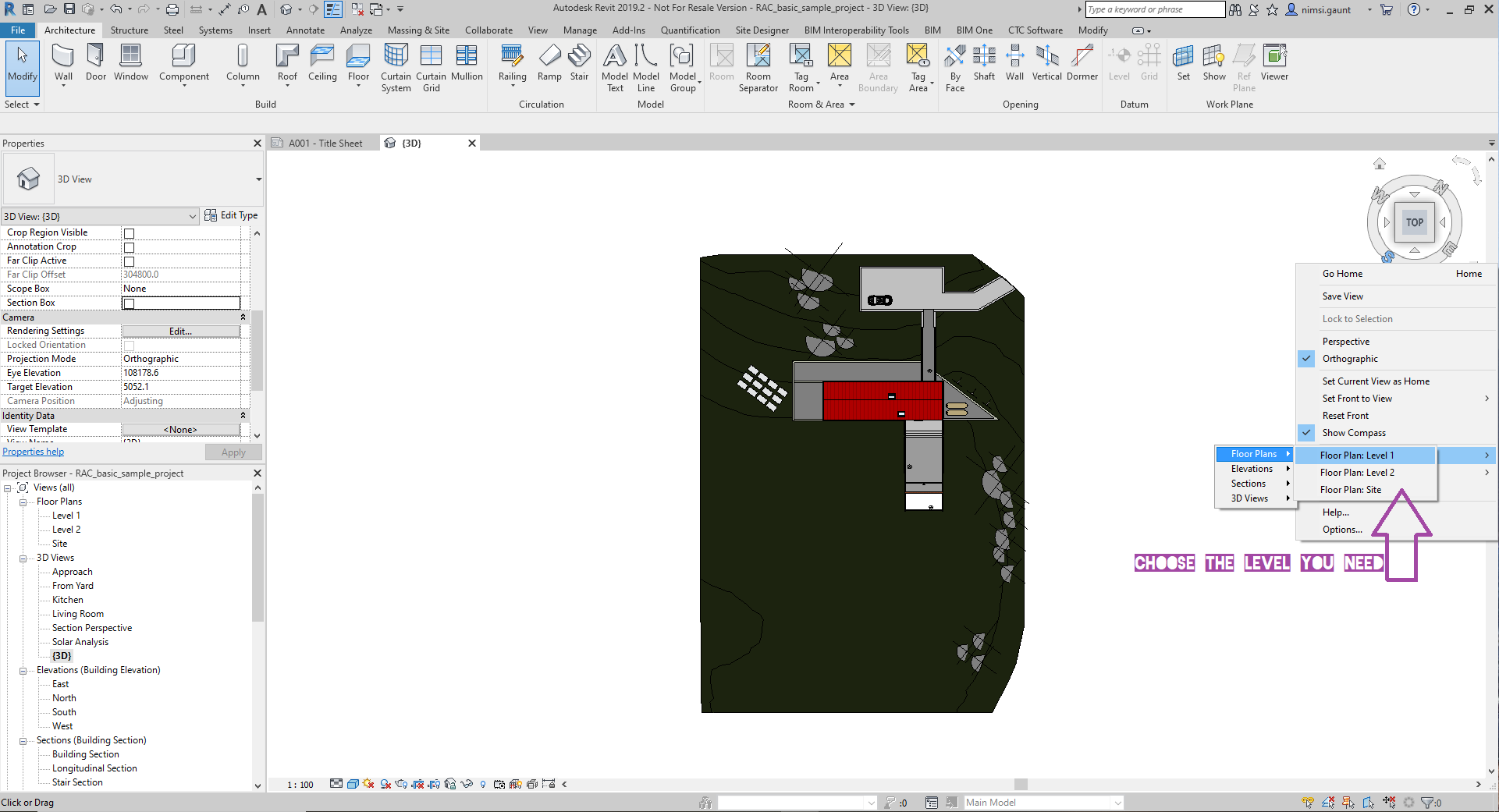
Finally, you choose the level you want to see in 3D.
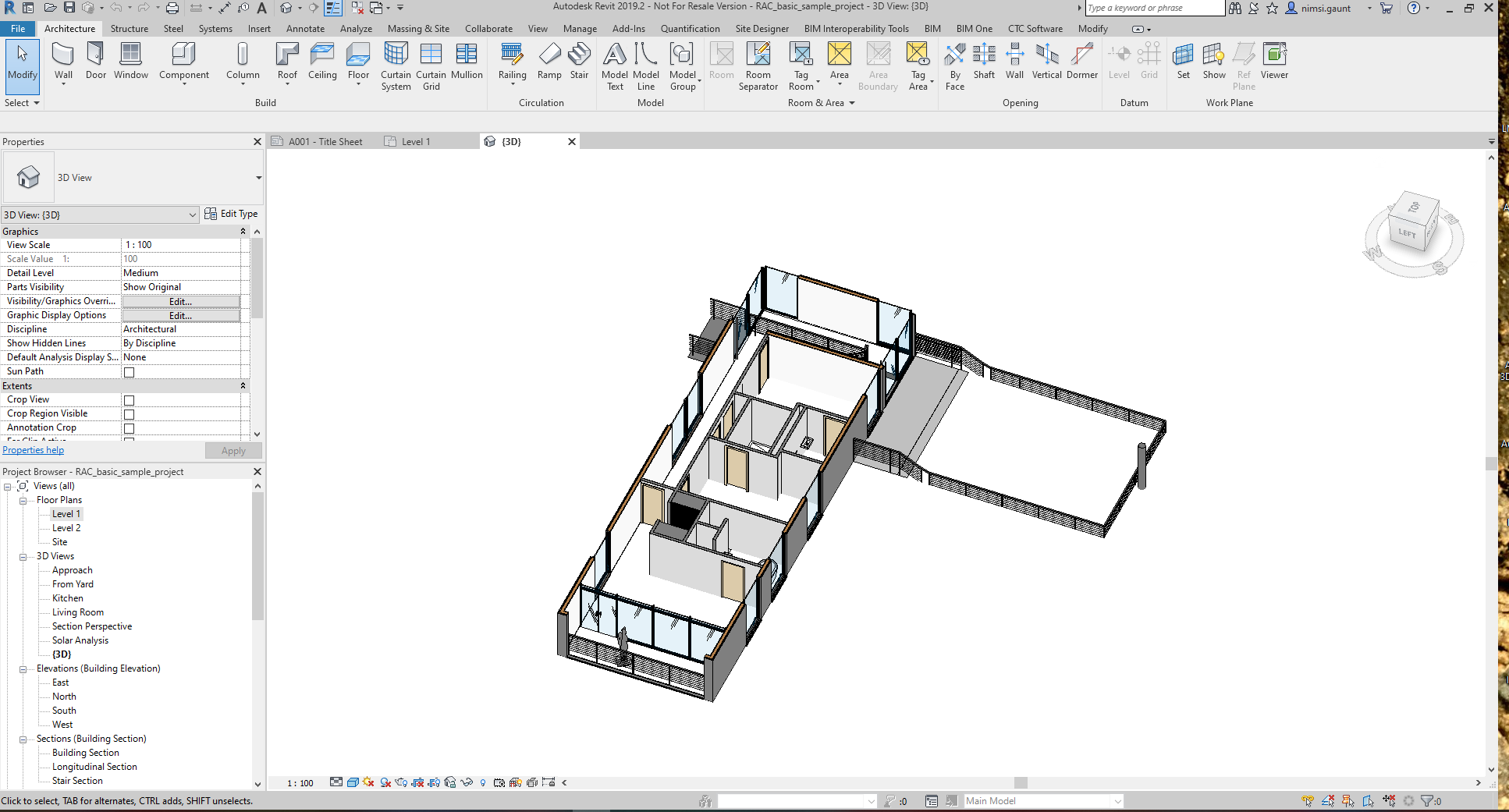
You’ll be able to work on 3D, only on the level you’ve chosen.
Ces articles peuvent vous intéresser :

Votre AutoCAD et AutoCAD LT version 2027 peuvent ouvrir toutes [...]

Lors de l’exportation de raccourcis clavier Revit d’une ancienne version [...]
Ou comment afficher un objet selon des "Filtres avancés". Nouveauté : [...]
LES OUVERTURES DANS REVIT (1/2) Lors de mes sessions de [...]